Whether you’re a designer, photographer, student, or just someone who needs to quickly change an image format, online image converters have become essential tools in 2025. They save time, don’t require installing heavy software, and work across devices.
In this article, we’ve rounded up the top 5 best online image converters this year — based on speed, ease of use, supported formats, and privacy policies.
1. Pic-Convert.com – Fast, Simple, and Ad-Free
Pic-Convert.com is a minimalistic and lightning-fast online image converter designed for people who want quick, no-nonsense conversions.
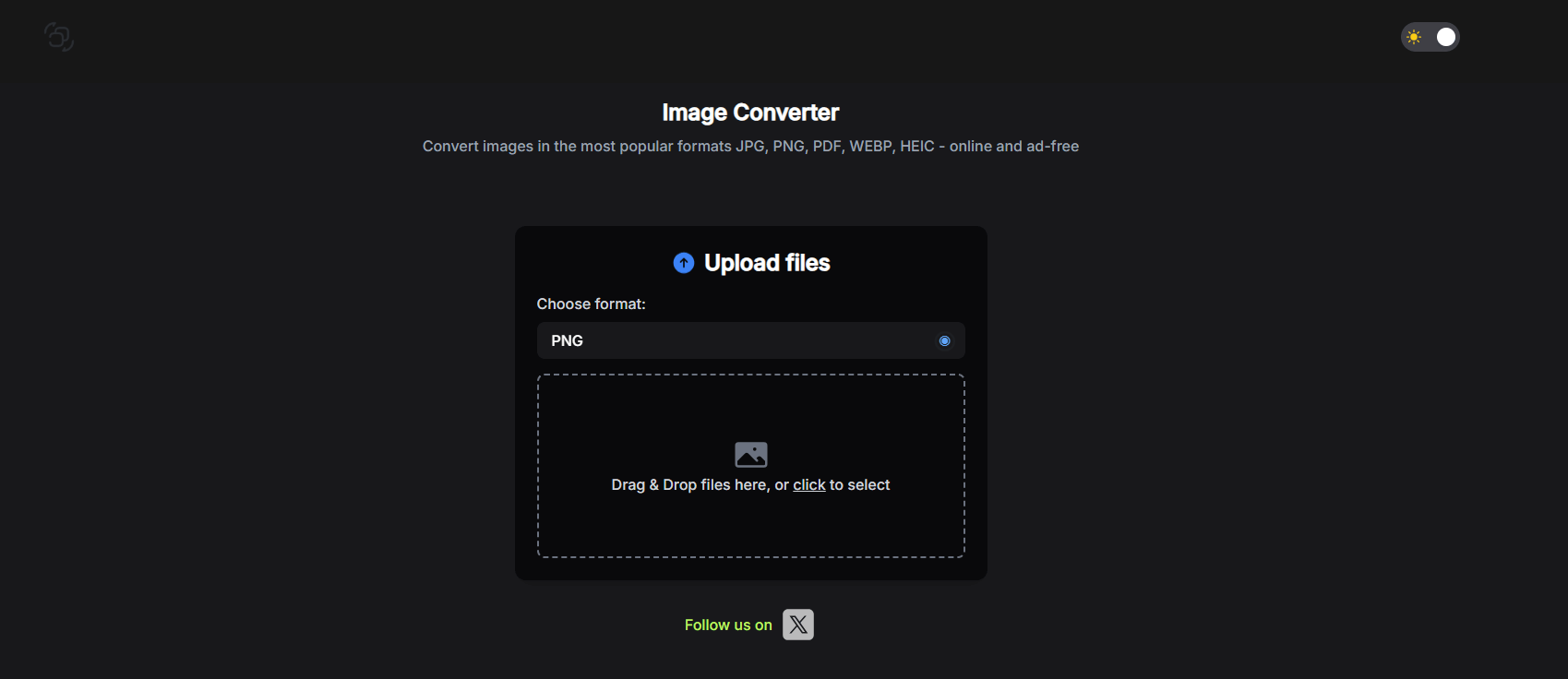
Key Features:
- Supports JPG, PNG, PDF, WEBP, and HEIC formats.
- 100% browser-based — no software installation needed.
- Privacy-first: all files are deleted 1 hour after conversion.
- Works on any device — desktop, tablet, or smartphone.
- Ad-free interface for distraction-free use.
Why we like it:
Pic-Convert focuses on one thing and does it perfectly — converting images without clutter, pop-ups, or complicated menus. If you value speed and simplicity, this is your go-to choice in 2025.
2. Convertio – Versatile File Conversion
Convertio supports not only images but also documents, audio, and video formats. It’s a good all-in-one option for people who need to convert more than just images.
Pros: Wide format support, cloud storage integration.
Cons: Free version has file size limits.
3. ILoveIMG – Bulk Image Conversion and Editing
ILoveIMG offers basic editing features like resizing and compression alongside its image converter. Ideal for quick touch-ups and batch conversions.
Pros: Supports bulk uploads, editing tools included.
Cons: Ads on free plan.
4. Online-Convert.com – Advanced Settings for Professionals
Online-Convert allows you to fine-tune settings like DPI, color profile, and image quality before converting. Perfect for users who need control over the final output.
Pros: Advanced customization, wide format support.
Cons: Interface may feel overwhelming for casual users.
5. Zamzar – Longstanding, Reliable Converter
Zamzar has been around for years and is known for reliability. It works entirely online and supports over 1,200 file types, making it one of the most versatile converters.
Pros: Huge format library, email download option.
Cons: Slower processing for large files.
Final Thoughts
In 2025, the best image converter is the one that balances speed, simplicity, and privacy. While tools like Convertio and Online-Convert are great for advanced needs, Pic-Convert.com stands out as the most user-friendly and ad-free solution for everyday image conversion.
If you’re tired of slow, cluttered converters, give Pic-Convert.com a try — and experience how image conversion should feel.



 PT. Semarsoft Technology Indonesia